S2400 DSP Card

S2400 Expansion

DSP Card

Unlock a new dimension of sound. Real-time effects processing for the S2400.

Overview

Effects processor.
Digital mixer.
Instrument host.

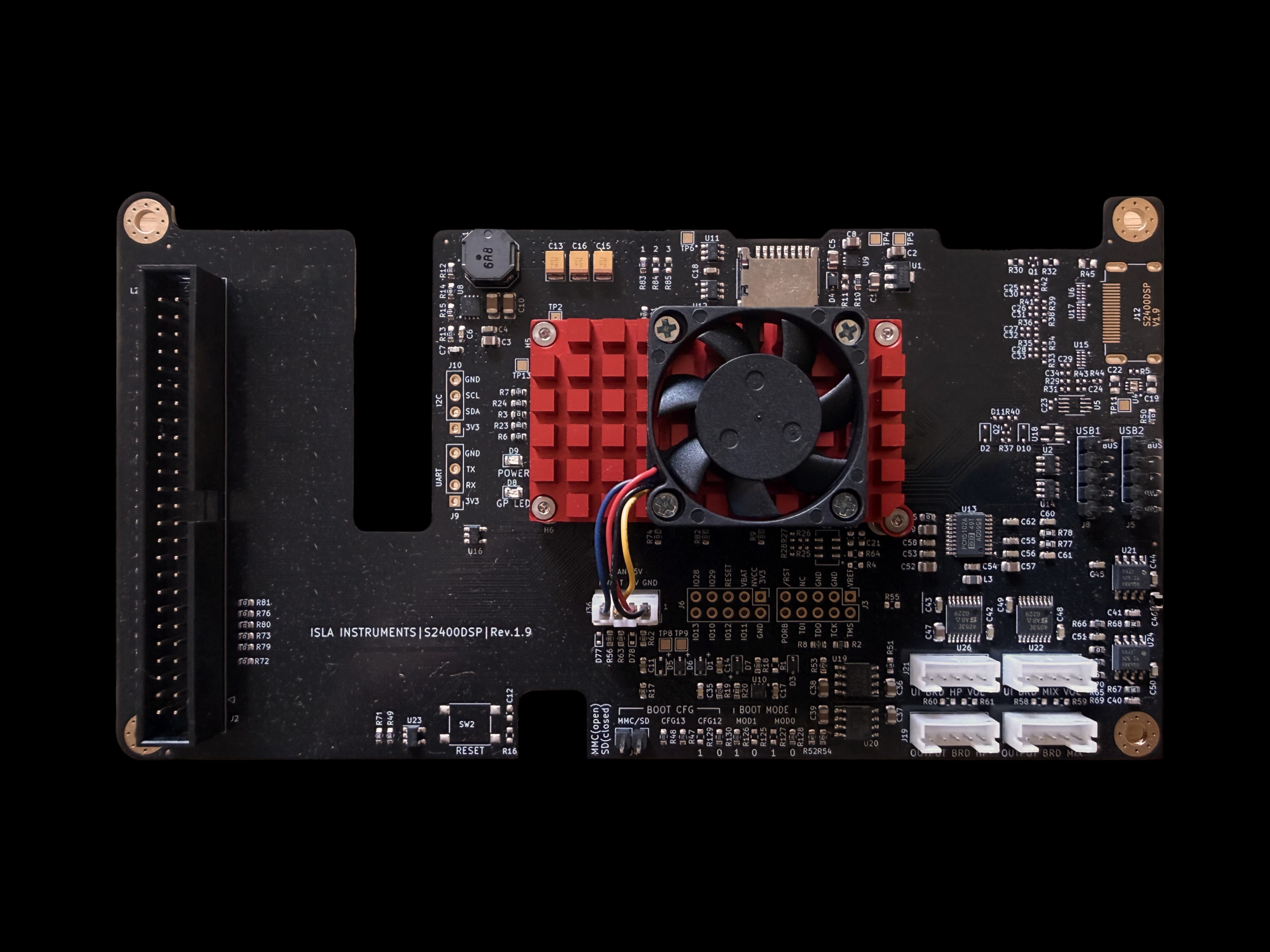
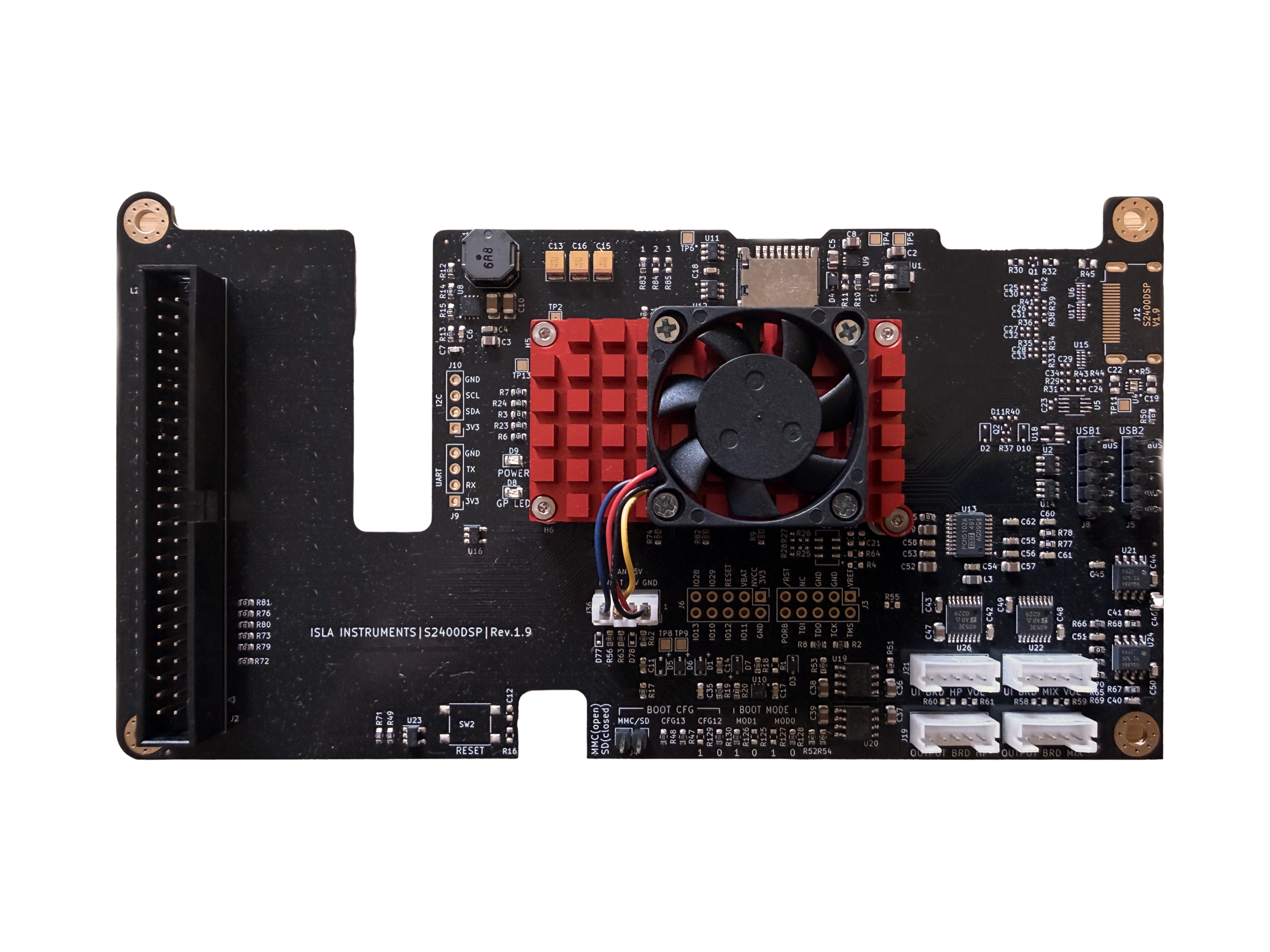
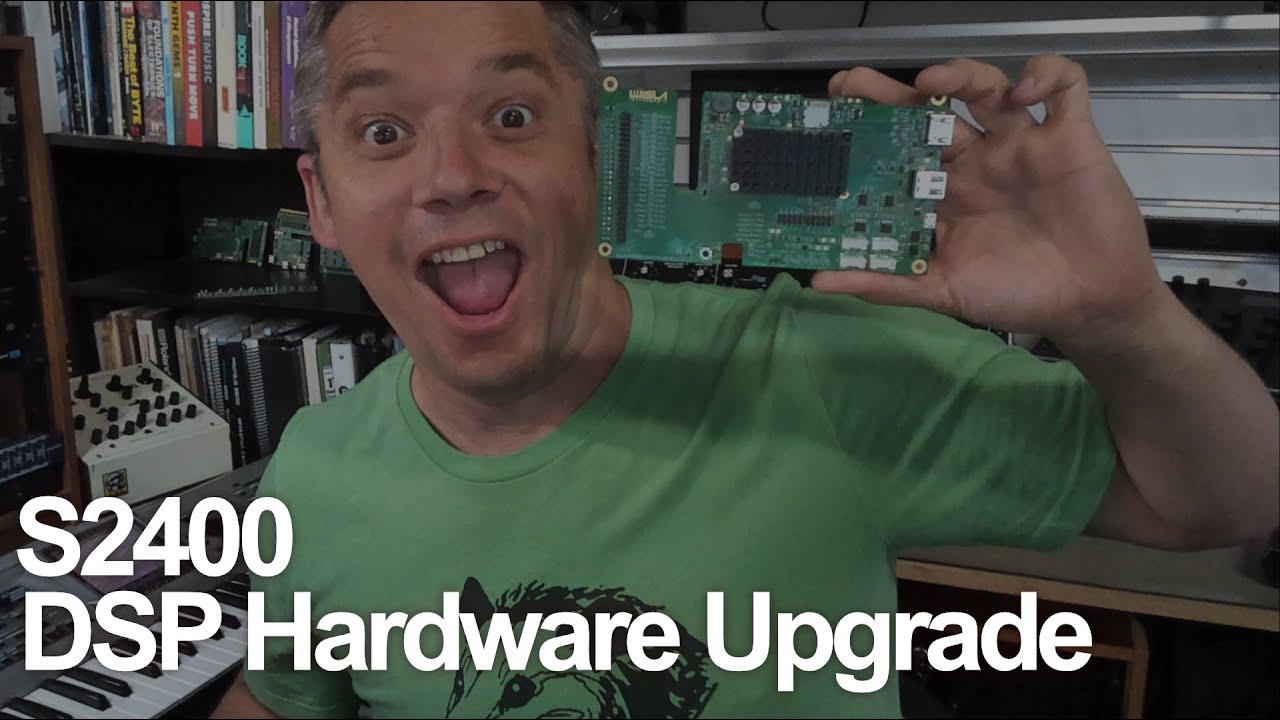
The S2400 DSP Card expands your sampler into a powerful effects processor, digital mixer, and virtual instrument host. Built around a quad-core 64-bit ARM processor running a custom Linux OS for real-time audio, it brings advanced routing, plugin processing, live performance FX, and instrument playback directly into the S2400 — all in a user-installable upgrade with no soldering required.*

*Some technical skill required. If in doubt, consult a qualified service professional.

MIX

Digital Mixer

A full mixer inside your sampler.

The DSP Card takes over the S2400's internal audio engine and turns it into a flexible digital mixing environment. Route sounds through group buses, shape them with insert effects, and use aux sends for shared processing like delay and reverb. External inputs can be processed too, so guitars, keyboards, and other sources can run through the S2400's mixer and effects in real time — all inside the hardware, with no computer required.

8 mono or 4 stereo group buses
2 configurable aux sends for shared FX
Master mix bus with insert processing
External inputs can be routed through plugin FX
Up to 4 insert plugins per bus
S2400 DSP Card
FX

Live Performance FX

Live Performance FX
Powered by Sinevibes

A dedicated live performance effects suite built exclusively for the S2400 DSP Card by Sinevibes. Twenty algorithms can be loaded across eight pad-triggerable slots, letting you fire effects in real time for transitions, drops, builds, and performance manipulation.

20 performance effect algorithms
8 pad-triggerable effect slots
Real-time parameter control
Filters, delays, pitch, glitch and more
Sinevibes

20 Live FX Algorithms

Low-Pass Filter
High-Pass Filter
Band-Pass Filter
Notch Filter
LP-HP Filter
Band Isolator
Flanger
Phaser
Tape
Vinyl
Delay
Reverb
Lo-Fi
Pitch Shifter
Freq Shifter
Gater
Repeater
Robotizer
Reverser
Stopper

Plugin Support

LV2 & VST3.
On your sampler.

Load third-party effects and instruments directly onto the DSP Card. Reverbs, delays, compressors, modulation effects, and more can run natively on the card's quad-core ARM processor using LV2 and VST3 plugin formats.

Insert plugins anywhere in the mixer path, build chains, and use aux routing for shared effects just like you would in a DAW — but running standalone inside the S2400. Support for ARM Linux audio plugins continues to grow, and the Isla Content Library makes it easy to discover compatible tools and expansions.

Plugin Formats
LV2LV2
VST3 CompatibleVST3
Runs Natively On
ARMARM64 / AARCH64
LinuxLinux

VST is a registered trademark of Steinberg Media Technologies GmbH.

Virtual Instruments

Play instruments.
Not just samples.

The DSP Card turns your S2400 into a virtual instrument host. Play multi-sampled instruments and SoundFont banks from the S2400's MIDI tracks or an external MIDI controller. Pianos, strings, brass, synths, and more can be played directly alongside your sampled material.

With the SF2LV2 SoundFont Plugin Creator, you can convert .sf2 files into playable LV2 instrument plugins right in your browser. Preview patches, build custom instruments, and load them onto the DSP Card in minutes.

SoundFont (.sf2) playbackLoad multi-sampled instrument banks directly
MIDI track integrationTrigger instruments from S2400 tracks or external controllers
LV2 instrument pluginsRun instruments natively on the DSP Card
SF2LV2 web toolConvert SoundFonts into plugins in your browser
Multi-timbral playbackRun different instruments across multiple MIDI channels

Web Tools

Create plugins
in your browser.

Create and expand your DSP Card setup right in the browser. Convert SoundFonts into playable instrument plugins, and explore a growing Content Library of plugins, sample packs, and expansion content for the S2400.

SF2LV2 SoundFont Plugin Creator

Convert any SoundFont (.sf2) file into a fully playable LV2 instrument plugin for the DSP Card. Preview patches, tweak settings, and build your own virtual instruments — all in the browser.

Open SF2LV2

Content Library

A growing library of DSP plugins, sample packs, and expansion content from Isla and the community. Discover compatible effects, instruments, and curated content built for the S2400 DSP Card.

Browse Library

Technical Specifications

Every detail,
engineered.

Processor

  • Quad-core 64-bit ARM processor
  • 4GB onboard storage
  • Custom Linux operating system

Mixer

  • Replaces the S2400 internal audio engine
  • 8 mono or 4 stereo group buses
  • 2 aux sends
  • Master mix bus
  • Up to 4 insert plugins per bus
  • External inputs routable through mixer and plugin FX

Plugin Support

  • LV2 plugin support
  • VST3 plugin support
  • Native ARM Linux processing
  • Virtual instruments via MIDI tracks
  • SoundFont (.sf2) playback

Live FX

  • 20 Sinevibes effect algorithms
  • 8 pad-triggerable slots
  • DJ-style performance effects
  • Real-time parameter control
DSP Card Overview

DSP Card Overview

Everything you need to know

A complete overview of the S2400 DSP Card — what it does, how it works, and what it means for your workflow.

DSP Card Installation Guide

Installation Guide

How to install the DSP Card

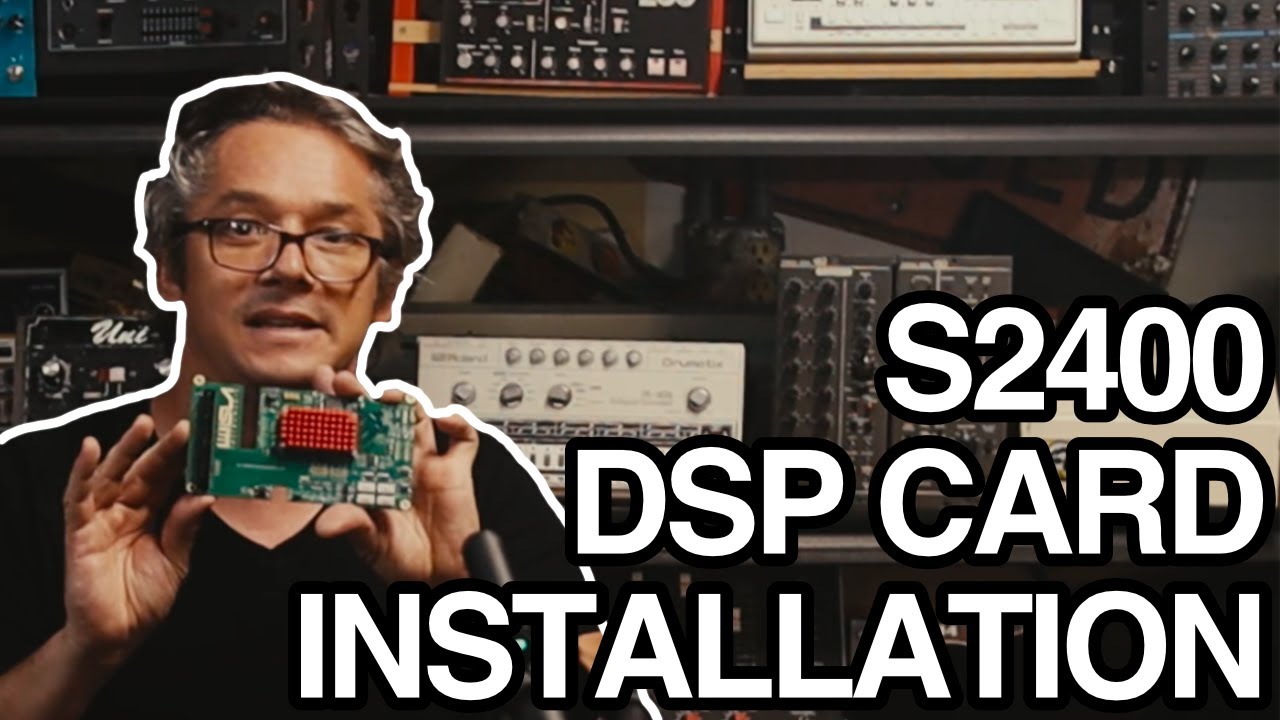
A step-by-step video guide walking you through the full installation process. User-installable in minutes — no soldering, no special tools required.

Ready to expand?

Get yours.

S2400 DSP Card

SKU: S2400DSP

View S2400

User-installable. No soldering required. Requires S2400 sampler.

Your Cart

Your cart is empty

Add some gear to get started